
Description
Product Overview
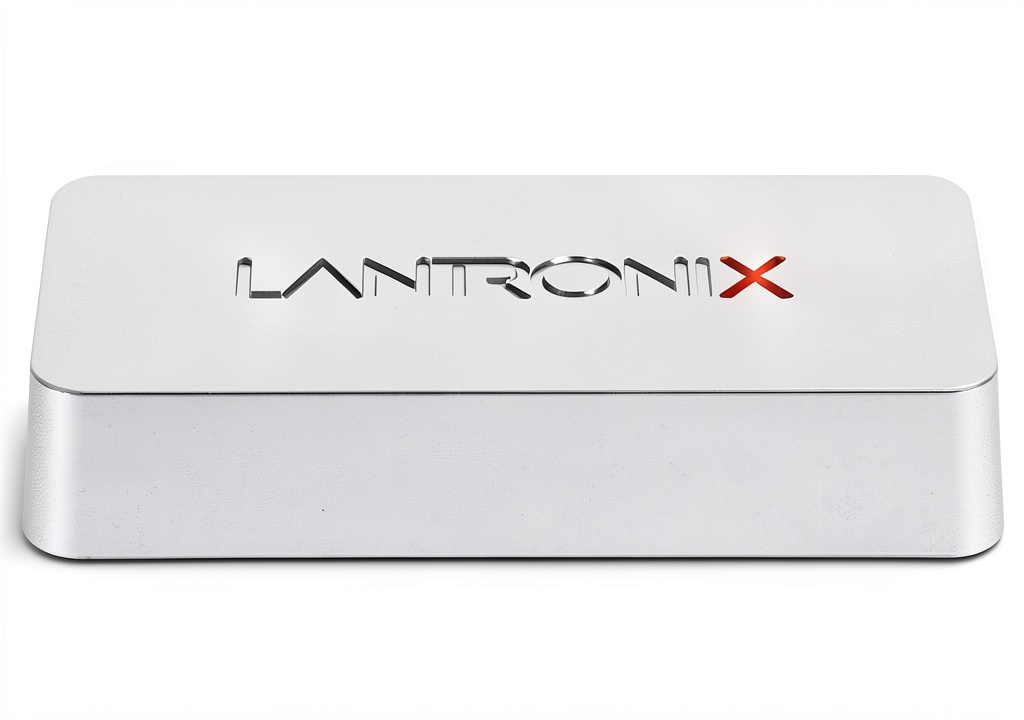
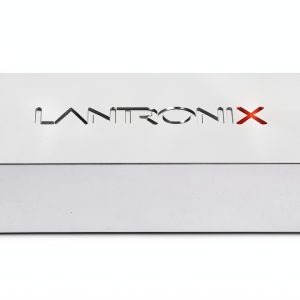
The Lantronix XPS1002FC is a compact, silver‑finished print server that bridges the gap between legacy USB printers and modern wireless networks. Built around a single processor and powered by a 5‑volt supply, the device measures just 4.5 x 2.34 x 0.91 inches and weighs one pound, making it unobtrusive on any desk or shelf. It features one USB 2.0 port for direct connection to a printer, and supports both wired Ethernet and wireless 802.11b/g/n networking, giving you the flexibility to place the printer wherever it is most convenient. The web‑based management interface provides intuitive configuration, user management, and firmware updates without the need for additional client software. Designed by Lantronix, a trusted name in networking hardware, the XPS1002FC combines durability with ease of use, ensuring reliable operation in busy office environments and home offices alike.
Usage
The XPS1002FC excels in a variety of real‑world scenarios. In a small business, it enables employees to print from iPhones, iPads, Android tablets, and Chromebooks without installing separate drivers, streamlining workflow and reducing IT overhead. In a classroom or library, teachers and students can send documents to a shared printer from any device, fostering collaboration and saving time. Home users benefit from the ability to print photos, tickets, and documents directly from mobile devices, eliminating the need to transfer files to a computer first. Because the device supports both wired and wireless connections, it can be deployed in environments where network cabling is limited or where a stable Wi‑Fi signal is available. The web interface allows administrators to set user permissions, monitor print queues, and apply security settings, making it suitable for both casual and professional use.
Why Choose Us
Choosing the Lantronix XPS1002FC means selecting a product backed by over a decade of networking expertise. Lantronix provides rigorous quality testing, ensuring the unit meets industrial standards for temperature, humidity, and electromagnetic interference. The device is covered by a standard warranty and receives regular firmware updates that add new features and security patches, protecting your investment over time. Unlike many competing solutions, the XPS1002FC does not require per‑device licensing fees for iOS or Android printing, delivering true cost‑effective scalability. Its silver chassis not only looks professional but also resists fingerprints and minor scratches, maintaining a clean appearance in visible workspaces. With a best‑seller rank of #91 in Computer Networking Print Servers, the product has proven popularity and reliability among users worldwide.
Key Features
- Seamless AirPrint support for iOS devices – print directly from iPhone, iPad or Mac without drivers.
- Google Cloud Print and Chromebook compatibility – enable cloud‑based printing from any web‑connected device.
- Single USB 2.0 port – connect to any standard USB printer, turning it into a networked device.
- Web‑based configuration – manage network settings, user access and firmware updates through a browser.
- No additional app or license fees – free printing for iOS, Android and Chrome OS users.
FAQ
Can I use the XPS1002FC with a printer that only has a parallel port?
The XPS1002FC requires a USB connection to the printer. For parallel‑only printers, you would need a USB‑to‑parallel adapter, though compatibility is not guaranteed.
Is there a limit to the number of devices that can print simultaneously?
The server can handle multiple concurrent print jobs, but performance may vary based on network bandwidth and printer speed. For high‑volume environments, consider a dedicated print server with higher throughput.
How do I secure the print server on my network?
Use the web interface to enable password protection, configure HTTPS, and restrict access to specific IP ranges. Regularly update firmware to apply the latest security patches.
What operating systems are supported for the web management interface?
The interface works with all modern browsers on Windows, macOS, Linux, iOS and Android, allowing administrators to configure the device from virtually any platform.
Can I connect the XPS1002FC to a wired network instead of Wi‑Fi?
Yes, the unit includes an Ethernet port for reliable wired connections, which is ideal for environments where wireless stability is a concern.





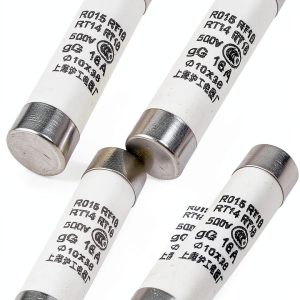 uxcell 5 Pcs 10mm x 38mm Ceramic Body Cylindrical Fuse Link AC 500V 16A
 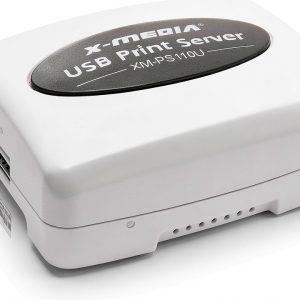 X-MEDIA USA Print Server Compatible with 320+ Printers
 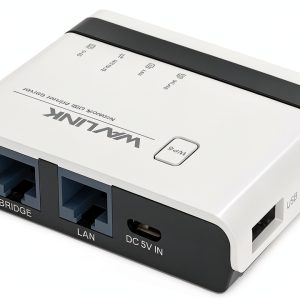 WAVLINK Wireless Print Server for Home Office
  Mersen Cylindrical Fuse-Link GR 690VAC 10X38 2A 10mm 38mm Q1014567J
 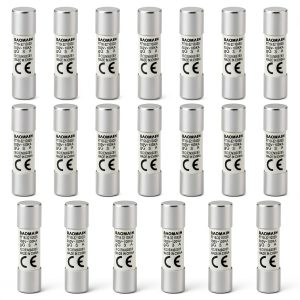 Baomain 20-Pack 3A Ceramic Fuse Links RT18-32 500V/690V 10x38mm
  Baomain 10-Pack 40A Fuse Link, RT18-63 (RO16 RT14 RT19), Cylindrical Ceramic Tube 14x51mm 500V CE Listed
  Generic Product Durable Design Affordable Price Essential
  Server 82533 Print Server OEM Compact Design
 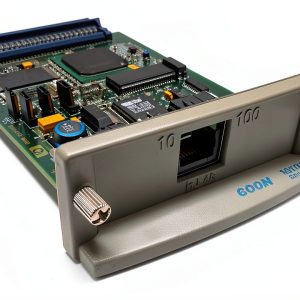 USA Printer Company JetDirect J3113A Print Server
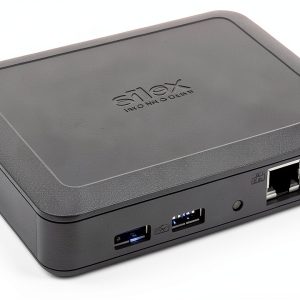
 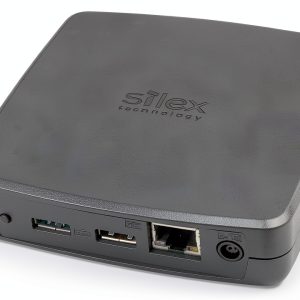 Print Server SILEX DS-700-US Compact 2 USB Ports
 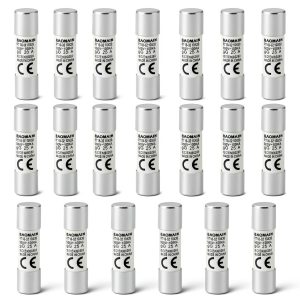 Baomain 20-Pack 25A Fuse Link RT18-32 Ceramic Tube 10x38mm 500V 100KA
  Baomain 10-Pack 16A Fuse Link RT18-32 Ceramic 10x38mm CE Listed
  HID FARGO DTC Printer Card Stock Ethernet
  Lantronix XPS1002FC Print Server Silver USB
  Miami Jones eBook Jacaranda Drive Kindle Enhanced
Reviews
There are no reviews yet.